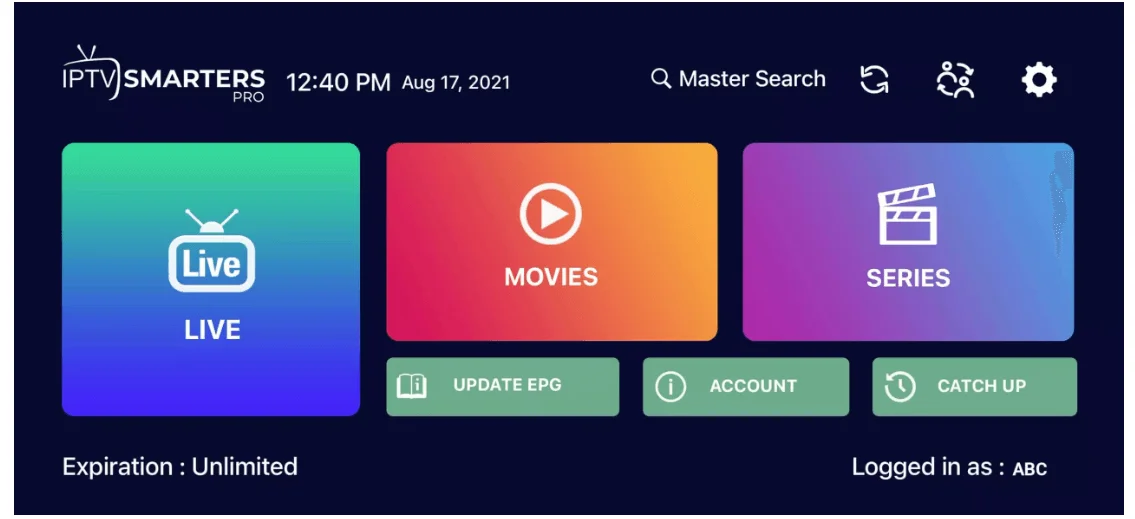

Setup SKYBOX TV on Apple / iOS with Smarters Player Lite
Step 1: Open the App Store on your Apple device (Apple TV, iPhone, iPad)
Search for “IPTV Smarters”. In some regions, the app may appear as Smarters Player Lite.
You can also download it directly using this link:
👉 Download IPTV Smarters from the App Store
Step 2: Tap Get (or the cloud/download icon) to install the app.
Once the installation is complete, you’ll find IPTV Smarters on your home screen. Open it to begin setup
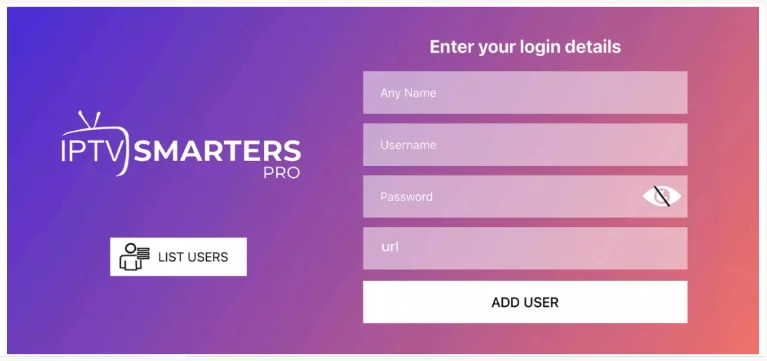
Step 3: On the login screen, enter the Username, Password, and Server URL we provided with your subscription.
💡 Double-check for typos — everything must be entered exactly as given.
When finished, click Add User. The system will now load your account, and you’ll be ready to start watching.